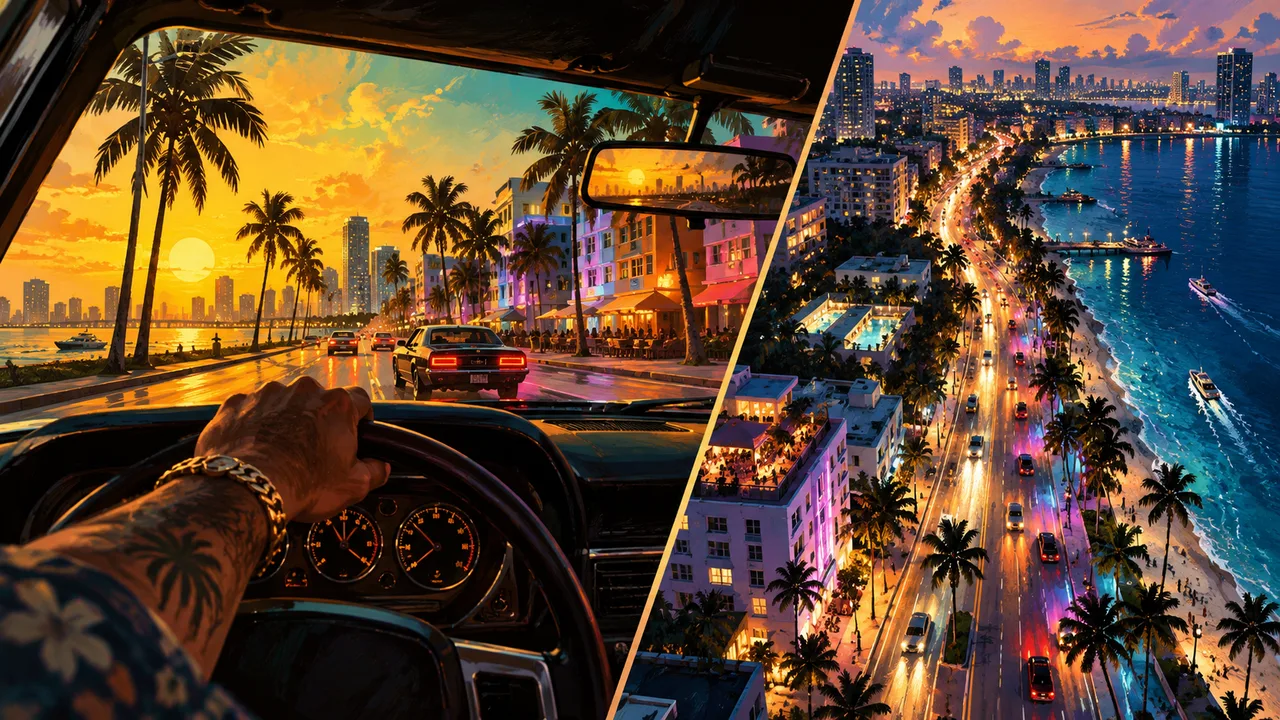
Revisiting GTA V while waiting for GTA VI offers a simple experiment: change the camera before changing the game. A street can feel different without gaining a building. The viewpoint changes your attention and how much of your surroundings fits on screen.
Rockstar's 2014 PlayStation announcement introduced first-person play for GTA V on PS4, including both Story Mode and GTA Online. Its accompanying control guidance describes options for using different perspectives on foot and in vehicles. These are documented GTA V features, not evidence about another game's camera options.
Make a controlled comparison
In a supported version you already own, choose a short, quiet route that you can repeat. Walk it once in third person and again in first person. Then try a familiar drive, keeping the route constant. The aim is to isolate the viewpoint rather than compare two unrelated missions.
Ask what you noticed in each pass. Was it easier to watch the character's position relative to a corner? Did a dashboard or shopfront attract more attention? Did you spend more time looking ahead or checking the immediate surroundings? These are observations about your own play, not universal claims about the best camera.
Adjust one thing at a time
Rockstar Support places camera, control, audio and display options in the Pause Menu's Settings tab. Start there and read the options available in your edition. Change one preference, test it briefly, and keep the change only if it suits you.
Avoid copying a complete settings list without understanding what it changes. Hardware, input device and personal preference can make someone else's ideal arrangement a poor fit.
Our editorial view is that camera choices deserve the same attention as graphical improvements when discussing a rerelease. They can change the way a familiar place is experienced, even when the destination is unchanged.
Prepared with AI assistance and checked under our editorial standards. Corrections are welcome.